
Cover Tools
A selection of cover editing tools. Free, community-sourced, and credited to their original developers.
Hosts for cover art scans, manual inserts, and retail box artwork.
Databases
Additional Links
- How to Set Custom ISO Icons on webMAN (Tutorial)
- webMAN MOD Paths and Covers
- All PS3 covers from GameTDB
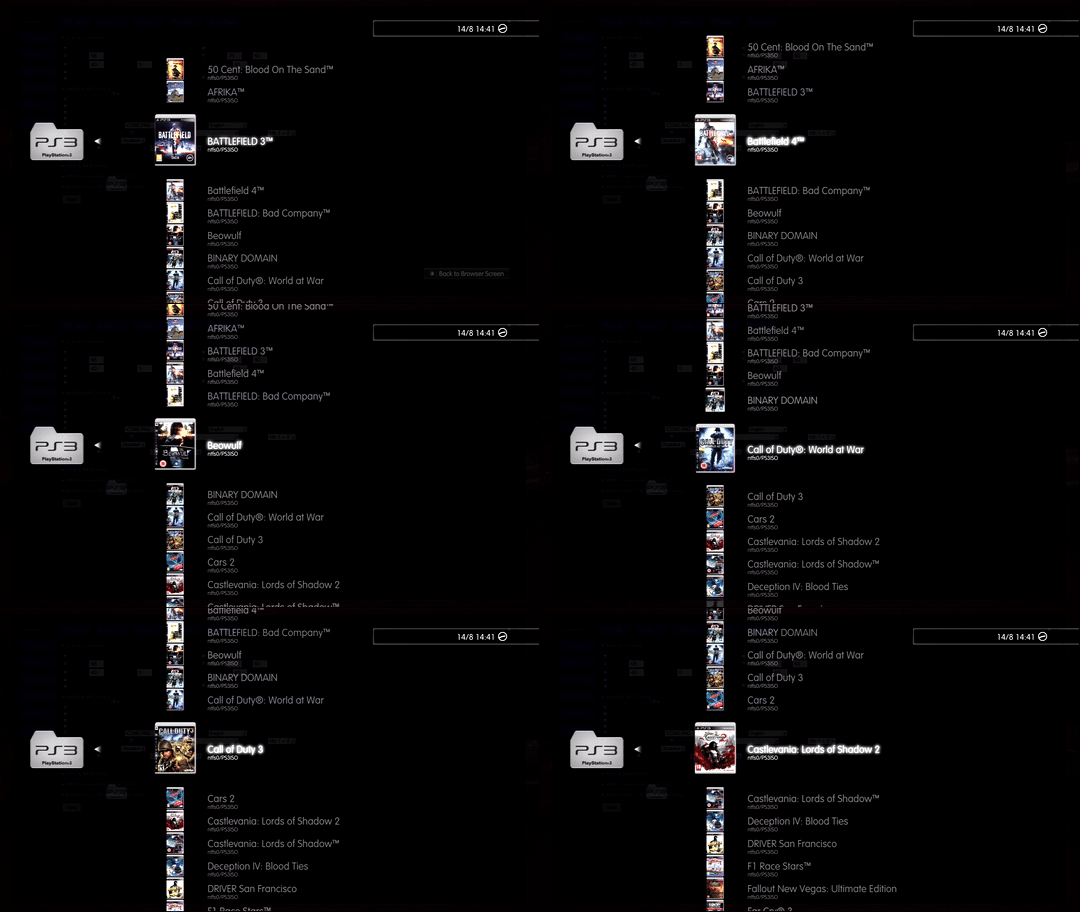

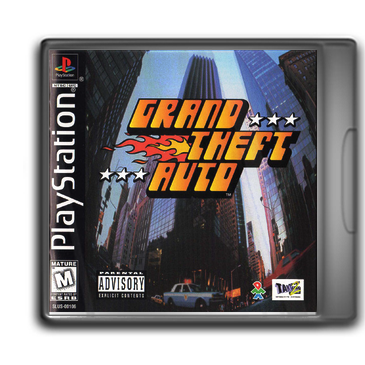
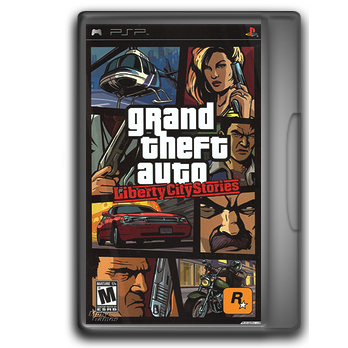
PScoverBOX
By 0_obeWAN (PlayStationHAX).
A batch tool for creating Coverboxes for webMAN (& MOD). Developer 0_obeWAN released PScoverBOX v1.0 for generating cover art overlays that work with webMAN's game list.
Known Issues
- There is a conflict between webMAN coverboxes and multiMAN covers.
- If a multiMAN cover is found, it takes priority and does not apply webMAN coverboxes.
- Disable MM covers in webMAN setup.
Using spaces or special characters in file names will not work with PScoverBOX.
CoverBoxes Repository
Visit the repository to browse and download coverboxes for your games and skip creation.
PS3 Cover Tool
By Rudi Rastelli. Credits: No0bZiLLa, aldostools.
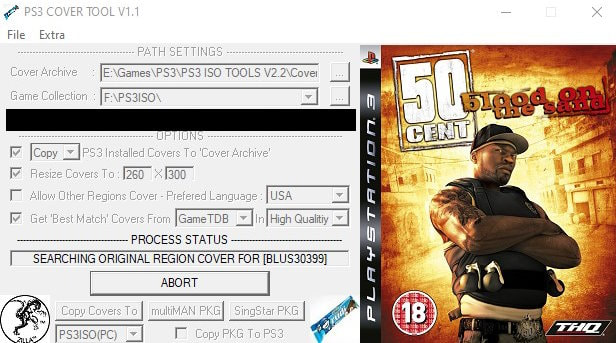
Developer Rudi Rastelli shared his PS3 Cover Tool application, which allows users to download covers from gametdb.com. PS3 Cover Tool will scan your PS3 for installed games and download the matching cover for each. It may not look like much, but it is a very useful app and helps keep your PS3 game list looking elite.
Tutorial & Features
Features
- Searches an existing cover collection for covers which suit exactly to your game collection
- If covers are missing, the program tries to find them online and add them to the cover collection
- You can select a preferred region for the online search
- Covers which suit your game collection can optionally be resized to the resolution needed for multiMAN/webMAN
- Covers can be transferred to PS3 (via FTP)
- Covers can be packed as a PKG and optionally transferred to PS3 (via FTP)
Getting started
- Copy your cover collection (if you have one) to the
CoverArchivefolder (inside thePS3 COVER TOOLfolder) — or select your cover collection folder at CoverArchive. - Select your
PS3ISOfolder or yourGAMESfolder at Game Collection. - Select your preferred region (language) at Preferred Region.
Notes
- If your Game Collection is on PS3, a little program called "NetDrive" is recommended. It allows you to map the PS3 as a real netdrive.
- If the program finds a cover in
Cover Archivethat matches the GameID, nothing will be downloaded no matter which settings you've made. You first have to delete a cover fromCover Archivewhenever you want another version. - Covers which suit your game collection will optionally be resized and copied to the
MyGameCollectionCoversfolder. - When downloading high-quality covers, the selected region will be preferred. If a cover with the selected region isn't available, the English cover will be preferred.
- In
CoverArchive, this name scheme is used for downloaded covers:[GameID]_[Region]_[Quality].jpg - Created PKG file is named
MyGameCollectionCovers.pkg
Tips
NetDrive configuration:
- Click "Add Drive"
- Type = FTP
- Name = MyPS3 (or whatever you like)
- URL =
ftp://[IP of your PS3] - User = anonymous
- Password = ps3
- Check "Save Password"
- Click "Save"
- Click "Connect" next to the name you've chosen
Distorted resized covers: If some covers look distorted, open them in e.g. Paint, save them, and re-run PS3 COVER TOOL — the resized covers should be fine now.
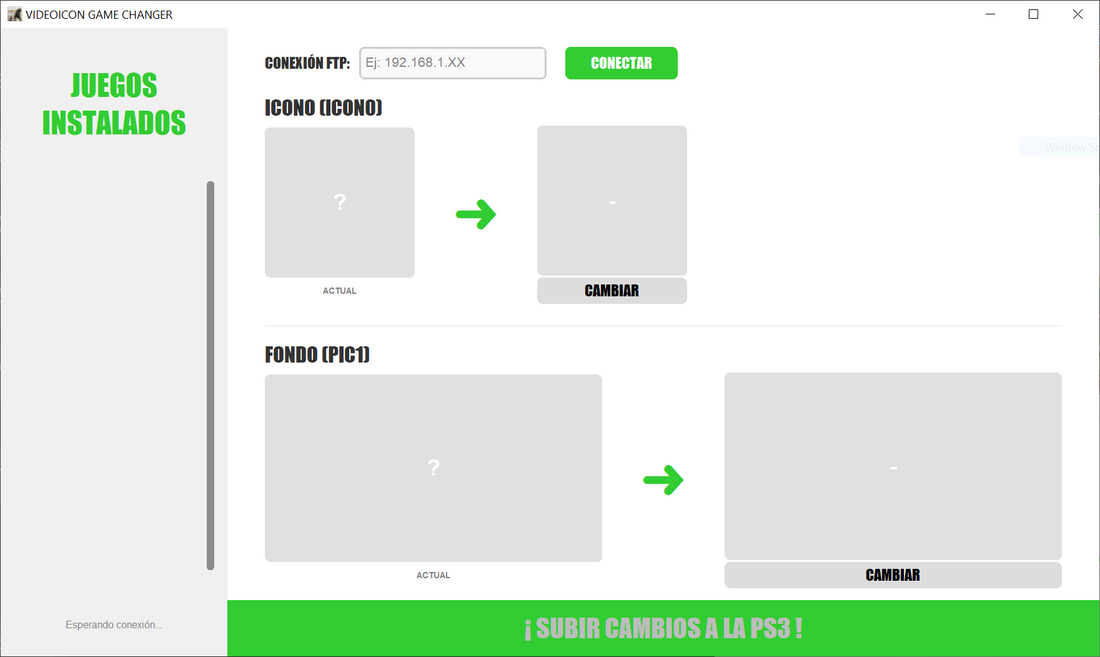
Game Icon Customiser
Credit: Videogamesscz.
A tool that lets you change game icons (ICON0.PNG) and backgrounds (PIC1.PNG) on your PS3 via FTP. Connect to your console, select an image, and upload — the tool handles resizing and formatting automatically.
Note: Tool is in Spanish.