
Miscellaneous
On this page you will find apps for PS3, prototypes and demos for PS3 games, and more.
Installing PKG files on your PS3 is straightforward. Follow these steps:
- Copy the PKG file to a FAT32 formatted USB drive.
- Insert the USB drive and navigate to Game → Package Manager.
- Select "Standard Package Installation" and choose your PKG file.
- Follow the on-screen prompts to complete the installation.
- Once complete, the installed item will appear on your XMB.
Applications
Movian 7

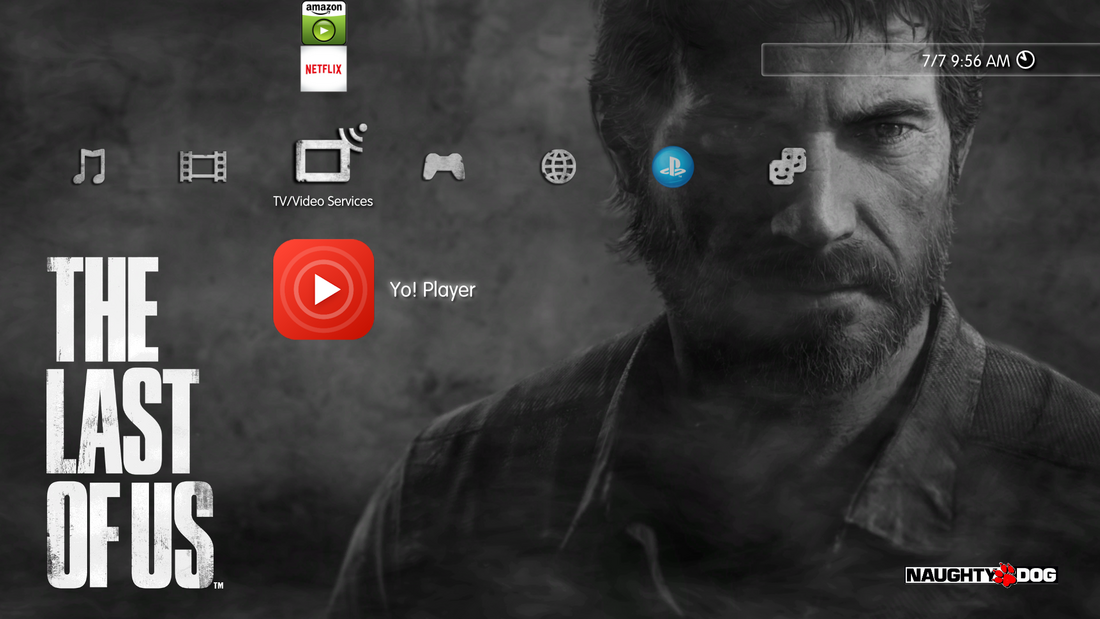
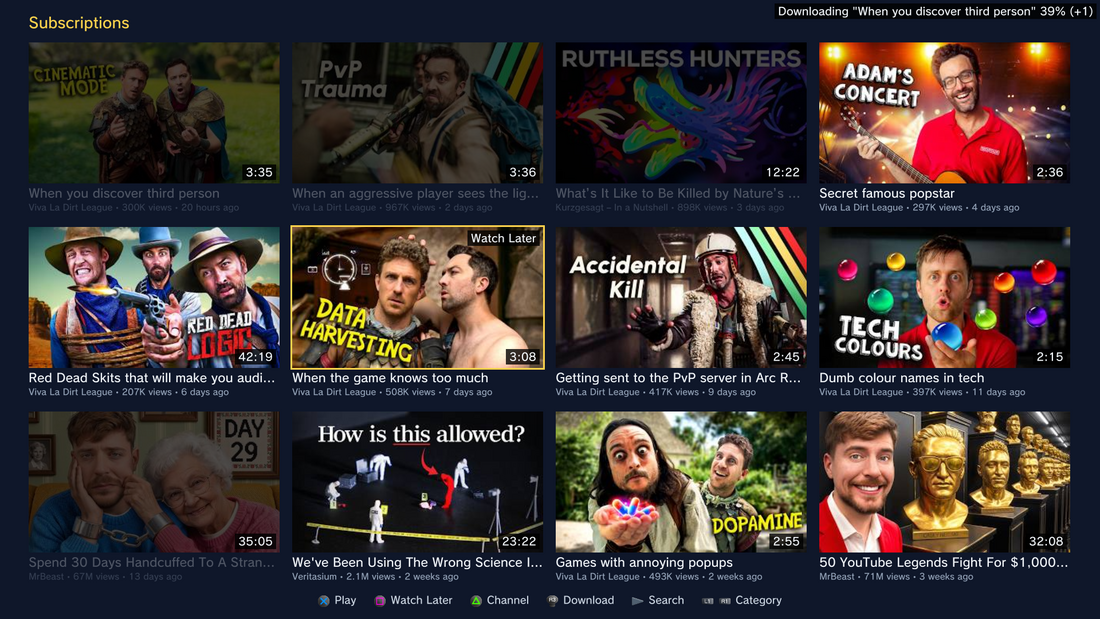
HTPC media player with remote-friendly controls. Plays video, audio, photos, live TV, and radio. Supports subtitles, plugins, FTP, and more.
Yo! Player
Prototypes and Demos
Until Dawn 2012 Beta

Originally developed as a PlayStation 3 game with PlayStation Move support. A Beta version was unveiled and promoted at Gamescom in 2012.
However as the project advanced, Supermassive Games reconfigured the game to be a PlayStation 4 exclusive, with many of the game's mechanics changing between the initial Beta and the 2015 launched version. Multiple different builds of the PS3 Beta exist, with third-person and first-person player perspectives.
TimeSplitters 4
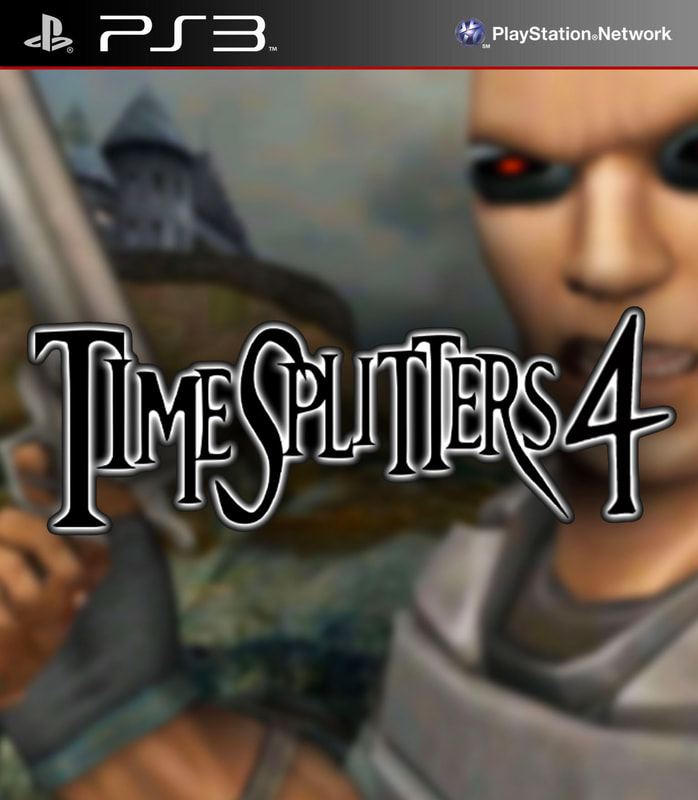
Prototype build of TimeSplitters 4 dated 7 November 2008 for PlayStation 3.
Installation Instructions
Instructions to play on a PS3:
- Get ManaGunZ (second one down): brewology.com/ahomebrew.php?brewid=284
- Extract
TEST01236from the zip and transfer to anywhere on your PS3 HDD using either FTP or USB. - (HEN only) Resign the eboot using a program called TrueAncestor — TrueAncestor Self Resigner by jjkkyu — or download ElApagaLuces' one: EBOOT.zip
- Drag the eboot into
TEST001236/USRDIRand replace the old one. - (Optional but recommended) Download the shotgun melee fix by devildwarf here: MeleeFix.zip. In order to use this fix, you must unpack the game's files using temporal-uplink-ts4.
- Drag the folder called
assetsinto theTEST001236/USRDIRfolder. - Install the ManaGunZ .pkg — you can use FTP to the packages folder or USB.
- Open ManaGunZ, press Select, navigate to
dev_hdd0and theTEST01236thenUSRDIR. - Now press Square on
eboot.binthen Triangle and then press X on Launch eboot. - When you're in-game press Circle and Up on the d-pad at the exact same time — you will see bots enabled after restart.
- Press Start and restart and have fun.