
Theme Tools
A selection of theme tools for PS3 XMB Themes. Free, community-sourced, and credited to their original developers.
Databases
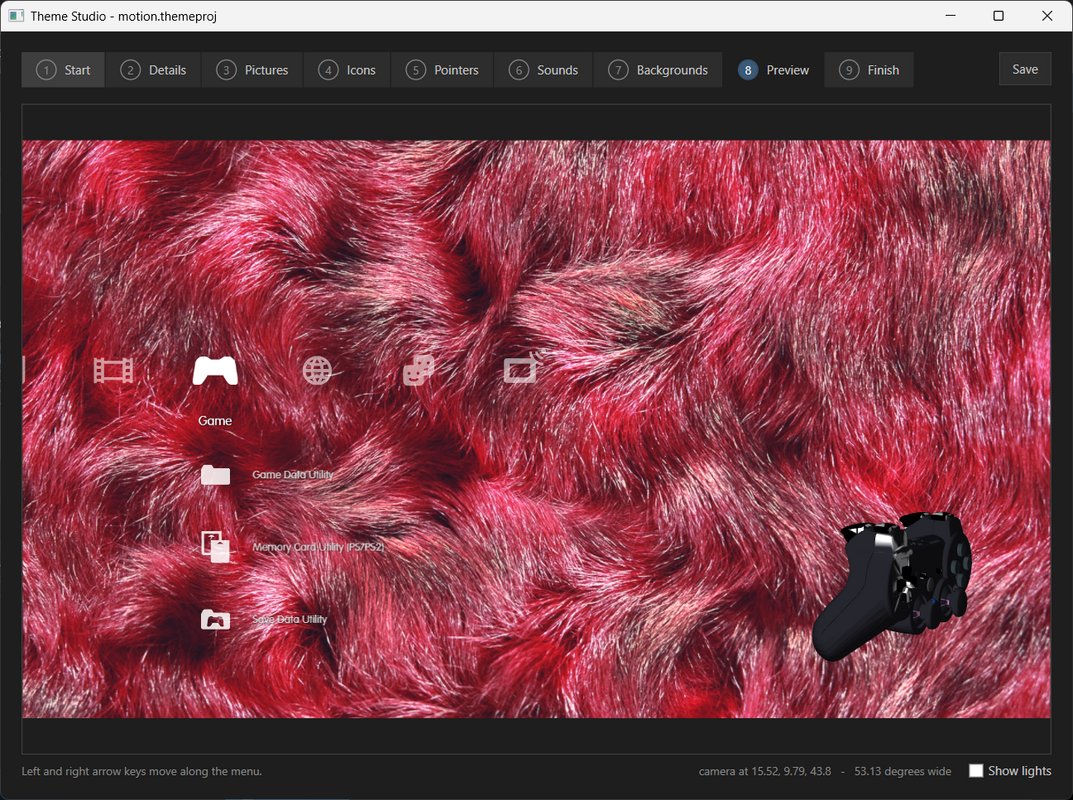
Theme Studio
Created by mohasi.
Design custom PS3 themes with custom backgrounds, icons, cursors, and menu sounds. Create true dynamic 3D themes with models, motion, and lighting – a feature Sony's own tools never supported. Includes live preview, script guide, one-click build, and network deployment.
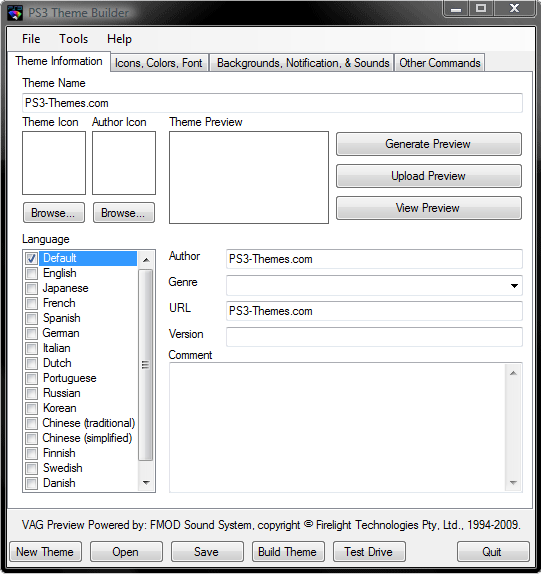
PS3 Theme Builder
Created by unknown.
"PS3 Theme Builder 2.5 Full Install – Install first.
PS3 Theme Builder 3.0 Upgrade – Install this upgrade after installing the above 2.5 version.
PS3 Theme Builder 4.0 Beta 2 – After installing both versions above you'll need to extract this package into the install directory for the 2.5 & 3.0 versions and overwrite files when asked to.
If you're looking for help building a theme there's a lot of useful threads in our forum located here."
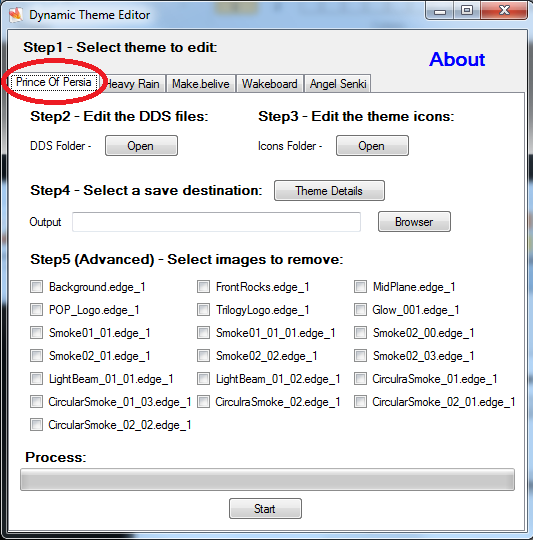

PS3 Theme Extractor
Copyright (c) 2007. Anoop Menon.
This program unpacks PlayStation 3 Theme files (.p3t) so that you can touch-up an existing theme to your likings or use a certain wallpaper from it (as many themes have multiple). But remember, if you use content from another theme and release it, be sure to give credit!
Tutorial
Download p3textractor.zip from the link above. Extract the files to a folder with a program such as WinZip or WinRAR. Now there are multiple ways to extract the theme.
Method 1 — Open with p3textractor.exe
Simply open the p3t file with p3textractor.exe. If you don't know how to do this, right click the p3t file and select Open With. Alternatively, open the p3t file and it will ask you to select a program to open with. Click Browse and find p3textractor.exe from where you previously extracted it to. It will open CMD and extract the theme to extracted.[filename]. After that, all you need to do for any future p3t files is open them and it will extract.
Method 2 — Drag and drop
Just drag the p3t file onto p3textractor.exe. It will open CMD and extract the theme to extracted.[filename].
Method 3 — Command line
First put the p3t file you want to extract into the same folder as p3textractor.exe. Open CMD and browse to the folder with p3extractor.exe. Enter the following:
p3textractor filename.p3t [destination path]
Replace filename with the name of the p3t file, and replace [destination path] with the name of the folder you want the files to be extracted to. A destination path is not required. By default it will extract to extracted_filename.
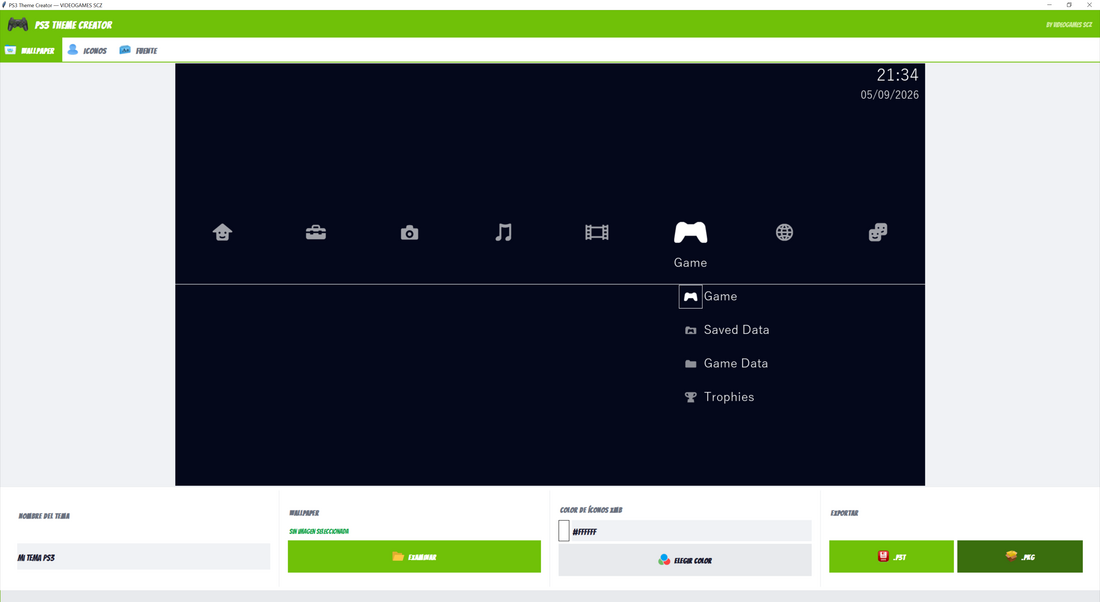
PS3 Theme Creator
Credit: Videogamesscz.
A powerful and easy-to-use desktop tool for creating custom PS3 themes in seconds. Design, preview, and compile .p3t or .pkg themes right from your PC. No complex configurations needed.
Note: Tool is in Spanish.