
Homebrew Tools
A curated list of the most useful homebrew utilities for your PlayStation 3.
Installing PKG files on your PS3 is straightforward. Follow these steps:
- Copy the PKG file to a FAT32 formatted USB drive.
- Insert the USB drive and navigate to Game → Package Manager.
- Select "Standard Package Installation" and choose your PKG file.
- Follow the on-screen prompts to complete the installation.
- Once complete, the installed item will appear on your XMB.

Apollo Save Tool (PS3)
An application to manage save-game files, trophies, and licenses.
This homebrew application allows you to download, unlock, patch and resign save-game files directly on your PS3. It can also unlock and resign trophies, backup/restore licenses, and create PS2 Classic images.
Editing without a backup can result in permanent data loss.

IRISMAN
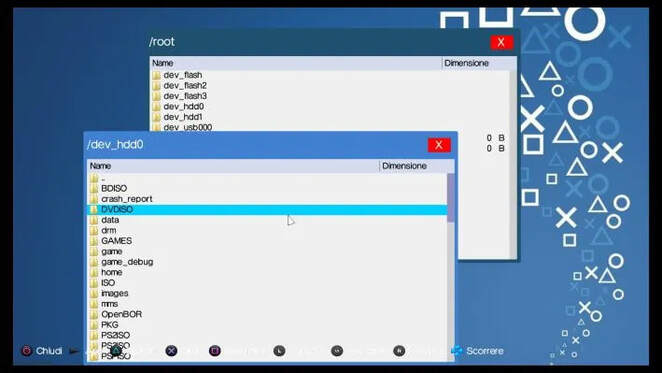
A fork of Iris Manager originally created by Estwald and D_Skywalk, and modified by aldostools (& at times updated and contributed by other devs, including Joonie, Habib, Alexander, NzV, Orion, EvilNat, etc.).
IRISMAN includes almost all the features of the original backup manager and the following main features, among many others.
PKGi PS3
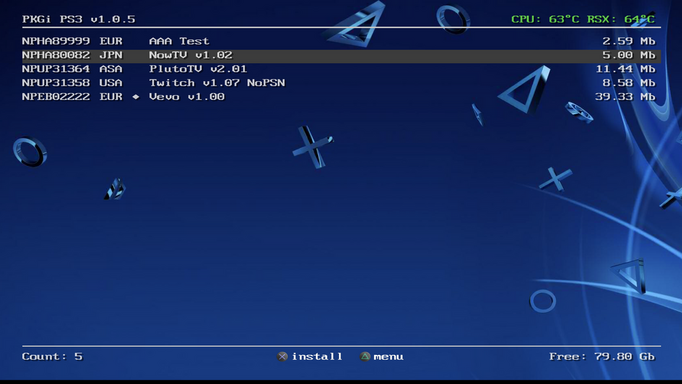
A homebrew app that allows you to download and install .pkg files directly on your PS3.
- Easy to use — list available downloads, including searching, filtering, and sorting
- Standalone — no PC required, everything happens directly on the PS3
- Automatic downloads — just choose an item, and it will be downloaded by the app to your HDD (direct mode) or queued for background download (background mode) using the internal Download Manager
- Resumes interrupted downloads — you can stop a download at any time, switch applications, and come back to resume the download later
- Content activation — the app can generate .rif files for downloaded content (system must be activated)
webMAN MOD
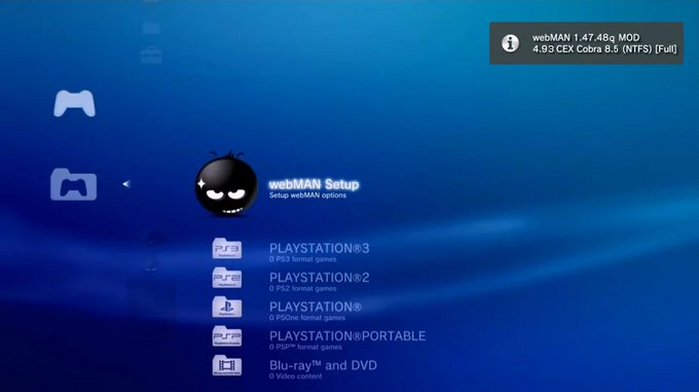
A homebrew plugin with many features added on the original webMAN/sMAN by Deank.
The application provides extended services for the PS3 console like web server, ftp server, file manager, netiso, ntfs, gamepad emulation, ps3mapi, tasks automation, memory debugger and more.
PS3 GamePad Test
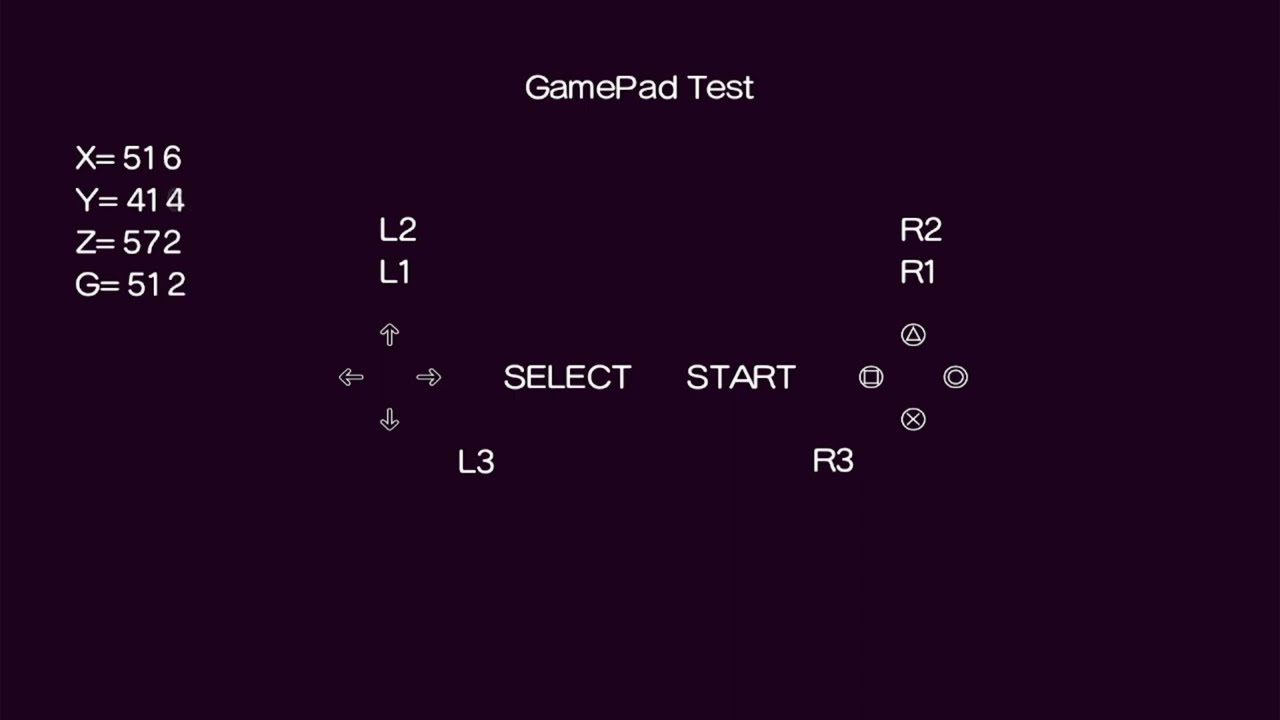
A simple utility to test your GamePad functions.
Controls & Functions:
- Speed 1 — hold CROSS and UP
- Speed 2 — hold CROSS and DOWN
- L3 + R3 — activate small motor
- L3 + R2 — manage large motor speed with R2 button pressure
Artemis
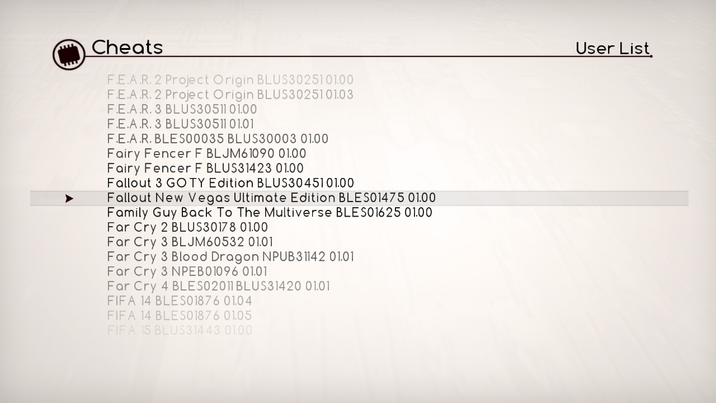
An Open Source PlayStation 3 Hacking System created under the Project Artemis initiative.
Notes
This is a fork of Dnawrkshp's ArtemisPS3 that includes the following network features:
- Online Cheat Database — access to the latest cheats for over 2000+ games online
- Local Database Update — download and update your local cheat database with the latest codes
Thermal Bench
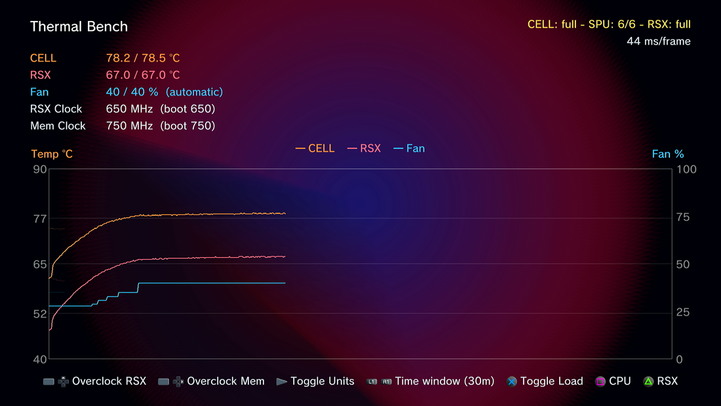
Monitor and test your PS3's thermal performance with precision.
Key features:
- Live readouts for CPU/GPU temperature, fan duty, and RSX clocks
- Real-time graph showing the last 2–30 minutes
- Four load steps from idle to full burn (CPU, 6x SPUs, graphics)
- Change RSX core and memory clocks live (no reboot)
- Switch between °C and °F with Start
- Previous runs overlaid as faded line for easy comparison
- Saves data to
/dev_hdd0/tmp/thermal-bench/ - Safety cutoff at 88°C — drops load and resets clocks
- Visual warnings for errors (cutoff, manual fan, recording issues)