
Save Editors
A selection of save editing tools for PS3. Free, community-sourced, and credited to their original developers.
Useful links
-
Apollo Save Database
PS3 Save files for games including 100% completion etc.
Copying your PS3 game saves to PC is simple. Follow these steps:
- Insert a USB drive into your PS3. Ensure it is FAT32 formatted.
- Navigate to Game → Saved Data Utility on the XMB.
- Select the save file you want to copy and press the Triangle button.
- Choose "Copy" from the menu and select your USB drive as the destination.
- Remove the USB drive and insert it into your PC. Saves are located in: PS3 → SAVEDATA → [FOLDER]
Editing without a backup can result in permanent data loss.

XB36Hazard Launcher
Developed by XB36Hazard.
A bundled collection of save editors covering a wide range of titles. Each editor is installed within from this launcher.
Included editors:
- Call of Duty: Ghosts
- Dead Rising 2
- Dishonored
- GTA IV
- iFruit (GTA V companion)
- Lollipop Chainsaw
- Madden 15
- Mafia II
- NBA 2K18
- Red Dead Redemption
- Saints Row
- The Evil Within
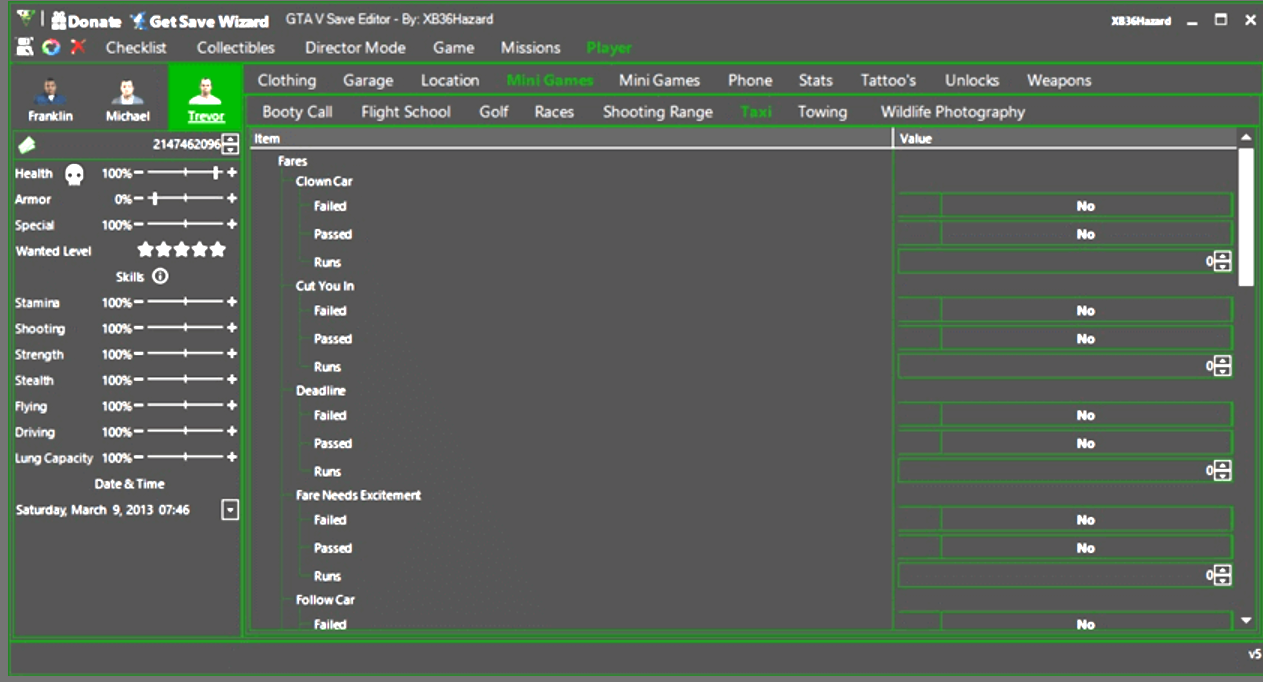
GTA V Save Editor
Developed by XB36Hazard.
Fully supports PS3 saves.
What you can edit:
- Progress checklist & completion
- Collectibles (interactive map)
- Missions & Heists
- Player stats, money, skills, wanted level
- Garage, clothing, weapons, tattoos
- Properties, vehicle unlocks, special spawns
- Phone, messages, stocks, and more
- Director Mode scenes & actors
- Convert saves across platforms
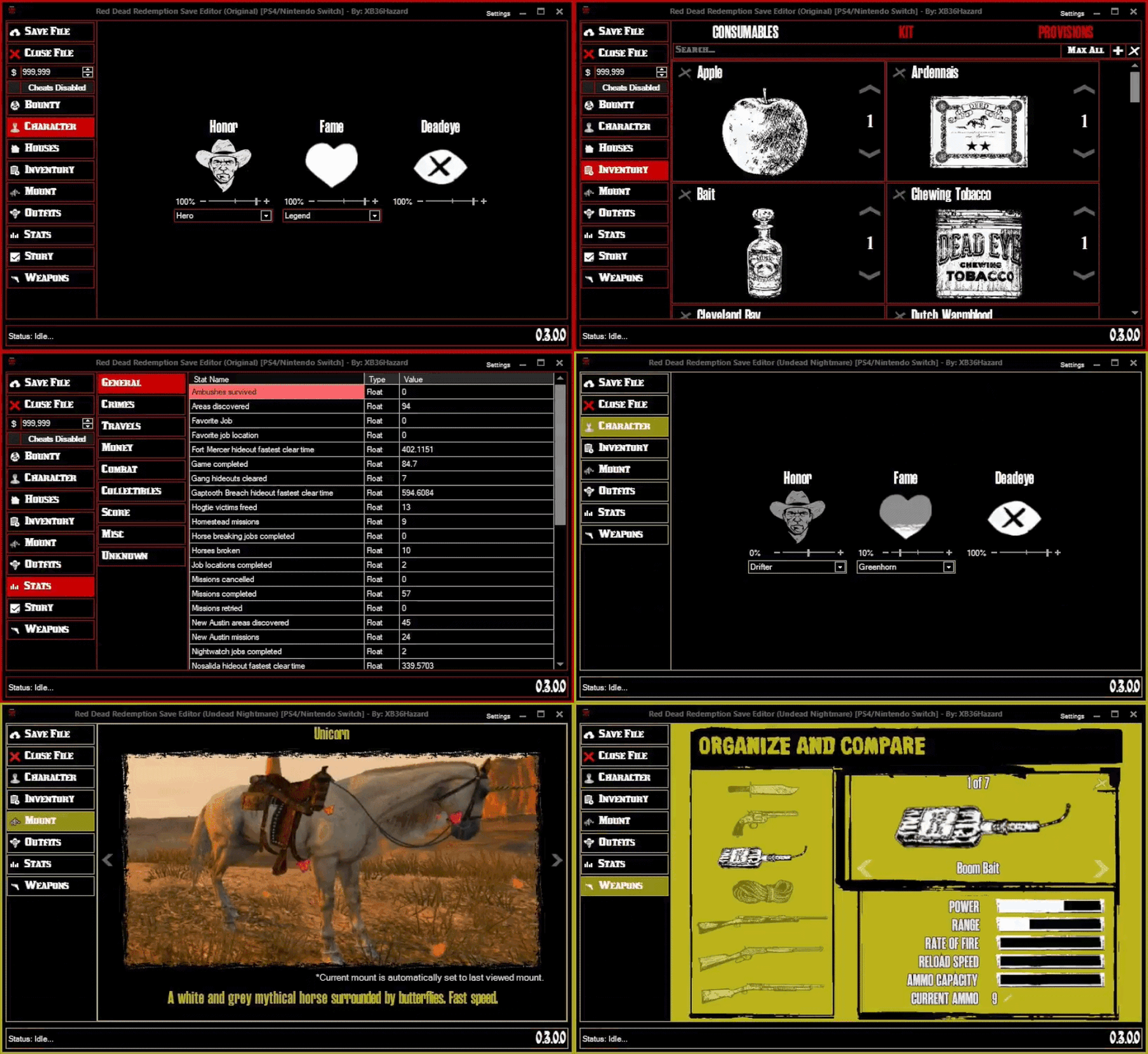
Red Dead Redemption Save Editor
Developed by XB36Hazard.
A comprehensive save editor for Red Dead Redemption with cross-platform save conversion.
Key features:
- Convert saves between Xbox 360, PS3, Xenia, PS4, PC, and Nintendo Switch
- Enable/disable cheats flag
- Edit bounties (actor, location, reward, difficulty)
- Edit Honor, Fame, and Deadeye
- Manage safehouses and spawn location
- Edit Consumables, Kit, and Provisions inventories
- Change your current mount
- Edit outfits and outfit scraps
- View and edit Single Player & Multiplayer stats
- Edit mission completion and stats
- Edit player weapons
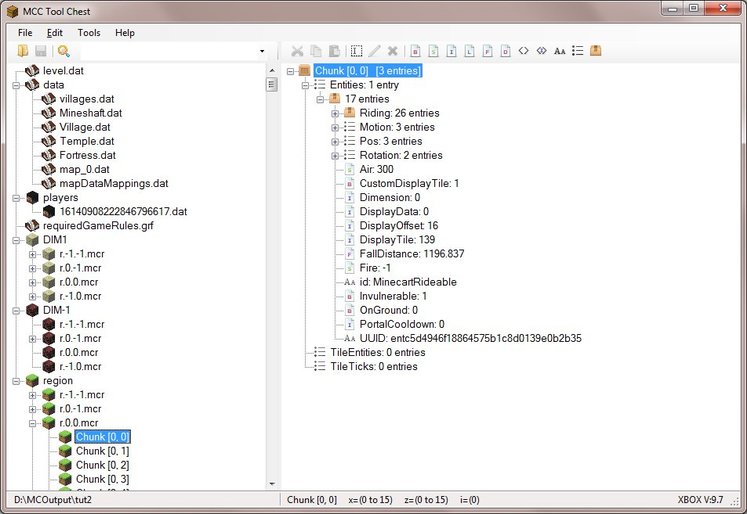
MCC Tool Chest
Created by A Cynodont.
A free legacy Minecraft editor and converter used to edit NBT data, modify biomes, and convert worlds between different console, PC, and Bedrock editions.
Features:
- NBT Editing — View and edit tag data for blocks, entities, and items in Minecraft save files
- World Conversion — Convert worlds between Java Edition, Bedrock Edition, and legacy console editions like Xbox and PlayStation
- Biome and Block Editing — Change specific biomes or perform global dimension replacements
Minecraft PS3 Game Resigner
Used to resign the data files after modifying a world with MCC Tool Chest. Can also be used to correct the PS3 region for downloaded worlds. Copy the GAMEDATA file to a world created on your console and then resign.
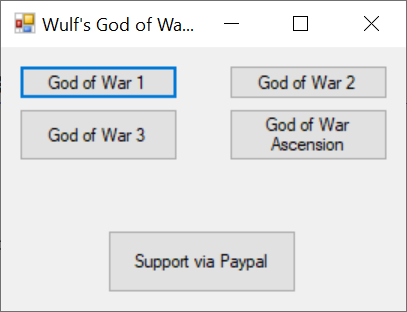
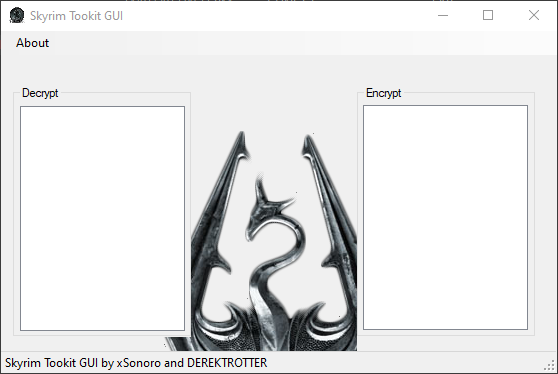
Skyrim Toolkit GUI v3
Created by xSonoro and DEREKTROTTER.
A tool that allows you to convert PS3 and PC Skyrim saves back and forth.
Saves should also work for other Bethesda games like Oblivion and Fallout.
Usage Guide
PS3 → PC (Decrypt)
- Copy your save to a FAT32-formatted USB stick using the PS3 save utility.
- Drop the entire folder (named
REGIONCODE-SAVE-PLAYER-X) into the Decrypt section. - Change the
SYS-DATAfile extension to[your-picked-name].ess.
PC → PS3 (Encrypt)
- Change the
[Something].essfile extension back toSYS-DATA. - Drop
SYS-DATAinto the Encrypt section. - Copy the encrypted
SYS-DATAback into theREGIONCODE-SAVE-PLAYER-Xfolder, transfer the folder to your USB stick, and use the PS3 save utility to restore it to your console.
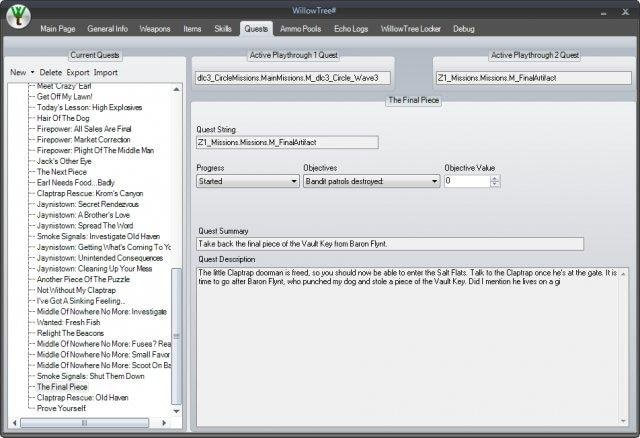
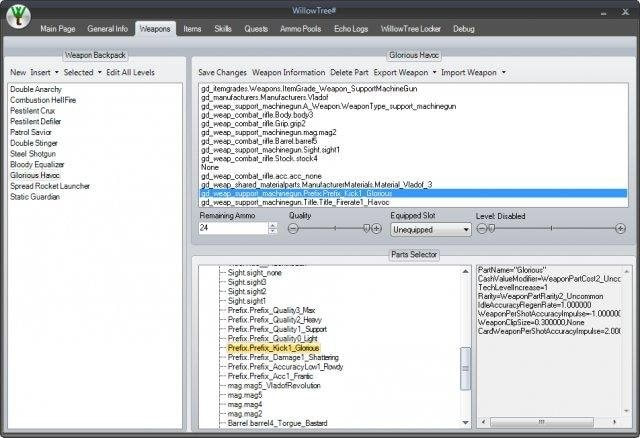
Borderlands Save Editor — WillowTree#
Beta brought to you by matt911 and xanderchaos.
It can read, edit, and convert savegame files from PC, PS3, and Xbox 360 versions of the Borderlands game. It has a storage locker that can be used to transfer items between characters.
Features:
- Opens, edits, and saves Borderlands save files
- Allows easy access to all parts of the save data. This includes quests, weapons, items, echo logs, ammo pools, visited locations, and more